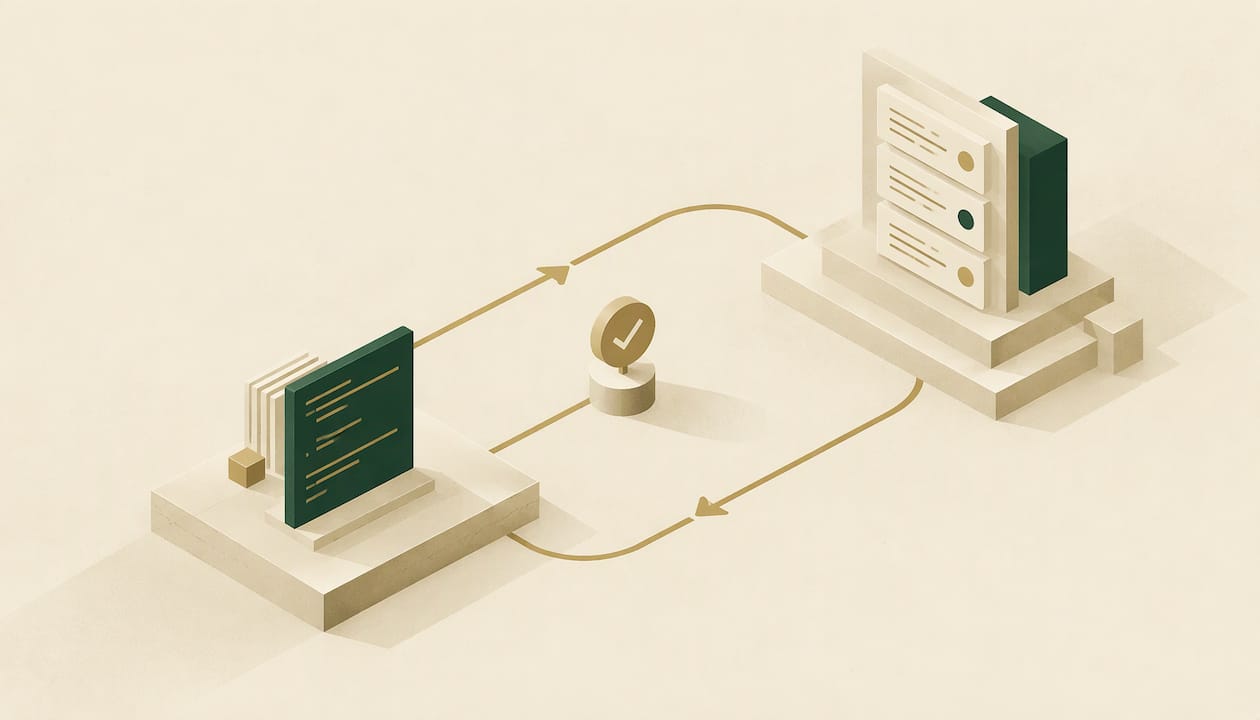
AI bug fixing means an agent reads an error, edits the code, runs the checks and hands you a change to review. It does more than point at a suspect line. The fix is only worth having if the agent stays with it until CI is green and a person can merge it with context. That is what Cooper&Wright does for Sentry errors: it opens a pull request in GitHub, watches the checks, and keeps repairing the PR until it is ready to merge.
This guide covers what AI bug fixing is, how background coding agents work, the workflow from error to merged fix, the failure modes researchers have documented, and how to review AI-written patches so they save time instead of creating new work.
TL;DR
- AI bug fixing covers the whole loop: reading the error, writing a patch, running tests and iterating on failures. Finding bugs is only the first step.
- Agents improve fixes by using compiler, linter, type-checker and test output as feedback, and by taking corrections from developers.
- The main risk is a confident but wrong patch, so every fix needs passing checks and a human review before merge.
- The biggest time loss in most teams is the backlog between "error captured" and "fix merged". A background agent attacks that gap directly.
- Cooper&Wright opens and repairs pull requests for Sentry errors, with a free tier for open-source repositories and paid plans from $10 per month.
Table of Contents
- What AI bug fixing actually is
- How background coding agents work
- An AI debugging workflow, step by step
- Why this loop beats a backlog
- What the research says about risks
- How to review AI-generated fixes before merging
- Feedback loops: how agents learn from your corrections
- Where Cooper&Wright fits
- Pricing and getting started
- Our perspective
- FAQ
- Sources
What AI bug fixing actually is
For years, AI in debugging meant explanation: paste a stack trace, get a guess about the cause. AI bug fixing goes further. Research on LLM-based bug-fixing systems describes them as agents that take an issue report, inspect the repository, edit code, execute it in a local environment and iteratively validate the result.
That difference matters in practice. A suggestion in a chat window leaves you with the work: find the file, apply the change, run the tests, fix what the change broke. An agent that owns the loop returns a pull request with the evidence attached.
The kinds of errors it handles best are the ones that have a clear failing signal:
- Exceptions with a stack trace pointing into your own code, such as a null reference, a missing key or a bad type assumption.
- Failing CI checks: compiler errors, lint failures, type-checker complaints and broken tests.
- Routine dependency updates, where the question is whether the build and tests still pass.
The common thread is a check the agent can run. MIT's course material on agentic coding notes that agents can correct compiler, linter, type-checker or test errors and keep iterating on their own when they are able to run the failing check. No check, no loop, and the result is a guess.
How background coding agents work
A background coding agent is the same idea as an interactive assistant, with the human removed from the waiting. You do not sit in an editor typing prompts. The trigger is an event, such as a new production error, and the output is a pull request you look at when you are ready.
Under the hood, the same MIT material explains that coding agents work with tools: they read and write files and invoke shell commands. A typical run looks like this:
- The agent receives the error with its context: exception type, stack trace, the release and the affected code path.
- It reads the relevant files and forms a hypothesis about the cause.
- It writes a minimal change.
- It runs the project's checks and reads the output.
- If a check fails, it uses the failure as feedback and tries again.
- When the checks pass, it presents the change for human review.
The pull request is the right unit of work. It is reviewable, it triggers your existing CI, it keeps history, and it leaves the decision to merge with your team. Anything that bypasses that path asks you to trust code you have not seen.
An AI debugging workflow, step by step
Whether a person or an agent is doing it, a disciplined debugging workflow has the same shape. Here is each step, what it takes and where it goes wrong.
1. Reproduce and capture context
A fix starts with confirming the failure and gathering the evidence: the stack trace, request details, the release it appeared in. If you want to sharpen your reading of traces, our line-by-line guide to stack traces walks through it.
Where it goes wrong: errors with no usable context. A vague message with no trace invites a vague patch.
2. Form a hypothesis
The agent or engineer decides what most likely caused the failure. The fix should be the smallest change that addresses that cause.
Where it goes wrong: treating the symptom. Wrapping a call in a try/catch silences the error in Sentry and leaves the bug alive. Review for this specifically.
3. Write a minimal patch
Small diffs are easier to verify. A fix that touches ten files to resolve one exception deserves suspicion.
4. Run the checks and iterate
This is where an agent earns its keep. Instead of handing you a patch that may fail CI, it reads the failing output and revises. Cooper&Wright monitors each pull request's CI checks, and when a check fails it auto-fixes or escalates, for up to three rounds.
Where it goes wrong: an agent that stops after opening the PR. Half the work of a fix is making it pass.
5. Hand off with context
The reviewer should see what broke, what changed and why. A pull request with no explanation turns review into archaeology.
6. Human review and merge
The final decision stays with your team. Research is clear that suggested fixes need validation through tests and review, which is why a pull request is the right delivery format.
Why this loop beats a backlog
Most teams do not lack the ability to fix errors. They lack the attention. Errors arrive in Sentry, get an assignee or get ignored, and the queue grows. Each one costs a context switch: open the issue, read the trace, find the code, write the fix, wait for CI, repair CI.
A background agent removes the queue. The work happens while engineers are doing something else, and the first thing they see is a pull request instead of a ticket. Cooper&Wright watches Sentry errors and opens the fix in GitHub, so there is no triage queue to groom. Our aim is median merge times under 8 minutes, so engineers can wake up to issues that are already resolved and waiting for approval.
If your team is still deciding what deserves attention before any automation, our practical guide to bug triage for small teams is a good place to set priorities. For the different ways a Sentry error can get fixed, see our page on Sentry autofix options.
What the research says about risks
A trustworthy workflow is built around how AI fixes fail. Three findings from recent academic work are worth designing around.
Silent semantic failures. Researchers describe agents that confidently submit incorrect patches. The patch compiles, looks reasonable and passes a simple completion check, yet the behavior is wrong. The authors warn that metrics which only reward submitting code do not show whether a fix is trustworthy.
Action bias. The same line of work finds that models often edit code even when the right move is to change nothing. A good reviewer asks of every AI diff whether the change was needed at all.
Deletion avoidance. A study of operational failures reports that agents sometimes fail to remove old code when a fix calls for it, leaving dead or conflicting logic behind. It also notes that benchmarks tend to overlook everyday failures such as environment breakage and fabricated success reports.
The researchers' recommendation is to evaluate agents on test-verified correctness over repeated runs, rewarding systems that know when not to act. You can apply the same standard to your own pipeline.
On raw capability, benchmark numbers give a sense of scale. In one evaluation, six systems resolved between 286 and 323 of the 500 SWE-bench Verified cases. That is a lot of fixes, and it is also a reminder that a meaningful share of cases are not resolved, which is why review and CI gates are not optional.

How to review AI-generated fixes before merging
Treat an AI pull request like one from a new colleague who is fast and confident. A short review routine covers most of the risk.
- Read the diff against the error. Does the change address the cause shown in the stack trace, or does it just suppress the exception?
- Check that CI is green on a real test. A passing build only proves something if a test exercises the broken path. Where one is missing, the fix should add it.
- Look for deletions that should have happened. Old branches, unused helpers and duplicate logic are where deletion avoidance shows up.
- Question no-op and wide changes. A tiny error with a sprawling diff, or a fix to code that was working, is a flag.
- Keep a human on the merge button for anything sensitive. Authentication, payments, data migrations and permissions deserve a named reviewer.
- Feed corrections back. When you override or rewrite a fix, that is information. Cooper&Wright delivers lessons from user overrides, so your corrections inform the fixes that follow.
For security-relevant changes, follow your organization's secure development practices. NIST's draft SSDF community profile for AI development, SP 800-218A, notes that AI blurs the boundary between system code and data. It is an April 2024 draft that has since been withdrawn, so treat it as background and consult NIST's current publications.
Feedback loops: how agents learn from your corrections
Two kinds of feedback improve a fix. The first is mechanical: compiler, linter, type-checker and test output, which an agent can run and read itself. The second is human: MIT's material notes that developers can give text feedback or interrupt an agent mid-task.
The mechanical loop makes a single pull request better. The human loop makes the next one better. A tool that only does the first will keep repeating the same style of mistake on your codebase. One that records what you changed and why can stop.
That is the idea behind how Cooper&Wright treats overrides: when you change a fix, the lesson is kept and used to improve future ones.
Where Cooper&Wright fits
We built Cooper&Wright around the part of AI bug fixing that is easiest to skip: staying with the pull request after it opens.
- Sentry to GitHub. It watches Sentry errors, covering exceptions and performance issues, and opens a pull request in GitHub to fix them.
- Checks, not just a PR. It monitors the PR's CI checks and auto-fixes or escalates failures for up to three rounds, aiming for a green pull request ready to merge.
- Every PR, not only its own. It also handles pull requests opened by humans and by Dependabot, and auto-merges green Dependabot PRs.
- Your stack. It supports frameworks including Rails, Laravel, Django, FastAPI and Flutter.
- Oversight. Every pull request goes through your review, and the outcome of each is visible. You can see the pull requests we opened and the changelog of pull requests against our own repo.
If you are comparing it with the fixer built into Sentry itself, we lay out the differences in our comparison with Sentry's built-in autofix.
Pricing and getting started
Open-source repositories can use Cooper&Wright on the Free plan at $0 per month. For private repositories, Basic is $10 per month or $110 per year, and Pro is $50 per month or $550 per year. You can see the plans on the Cooper&Wright site and connect Sentry and GitHub from there.

Most teams start with one repository that generates a steady stream of Sentry noise. Watch the first pull requests arrive, review them with the routine above, and widen from there.
Our perspective
The hard part of AI bug fixing is not writing the first patch. Models are good at that. The hard part is everything after: a failing check, a reviewer's question, a dependency bump landing on top of the fix.
That is why we built Cooper&Wright around the pull request instead of around the suggestion. A fix that is never merged has not fixed anything. So we stay with each PR, read the CI output, repair it, and hand it off with context, whether the PR came from Sentry, from a teammate or from Dependabot.
We also think the review step is a feature. Every change goes through your team, and your overrides teach the system what your codebase expects. Over time the queue shrinks, and engineers spend their mornings reviewing finished work instead of triaging.
Zack
FAQ
Can AI really fix bugs on its own?
It can fix many of them end to end, especially errors with a clear stack trace and a check it can run, such as a test or type checker. The output is a pull request that your team reviews and merges. That keeps the speed of automation with human judgment on the final change.
What kinds of errors does AI fix best?
The best candidates are ones with a failing signal an agent can verify: exceptions in your own code, compiler, linter and type errors, failing tests and dependency updates. Where the agent can rerun the failing check, it can iterate until the check passes.
How do I know an AI fix is correct?
Rely on layers: a green CI run, a test that covers the broken path, and a human read of the diff. Research on silent semantic failures shows that a patch that merely looks plausible is not enough, so focus the review on whether the change addresses the actual cause.
What is a background coding agent?
It is a coding agent triggered by an event rather than by a person at a keyboard. When a new error appears, it works in the background and returns a pull request. Cooper&Wright works this way with Sentry errors and GitHub.
Does Cooper&Wright work with open-source projects?
Yes. There is a free tier for open-source usage, and paid plans for private repositories start at $10 per month.
Sources
- LLM-based Agents for Automated Bug Fixing: How Far Are We? (ICSE 2026)
- Agentic Coding, MIT Missing Semester 2026
- Confident and Wrong: Silent Semantic Failures in Coding Agents
- What Breaks When LLMs Code? Characterizing Operational Failures
- To Add Is Machine, To Delete Is Human
- LLM-based Agents for Automated Bug Fixing: How Far Are We? (arXiv)
- NIST SP 800-218A initial public draft